How to add the BBC news app from the Pickcel app store?
1. Go to the 'App' module.
2. Search for the BBC news app using the search field.
3. Hover over the app thumbnail and click on the 'Create App' button:
4. Enter a name for the app.
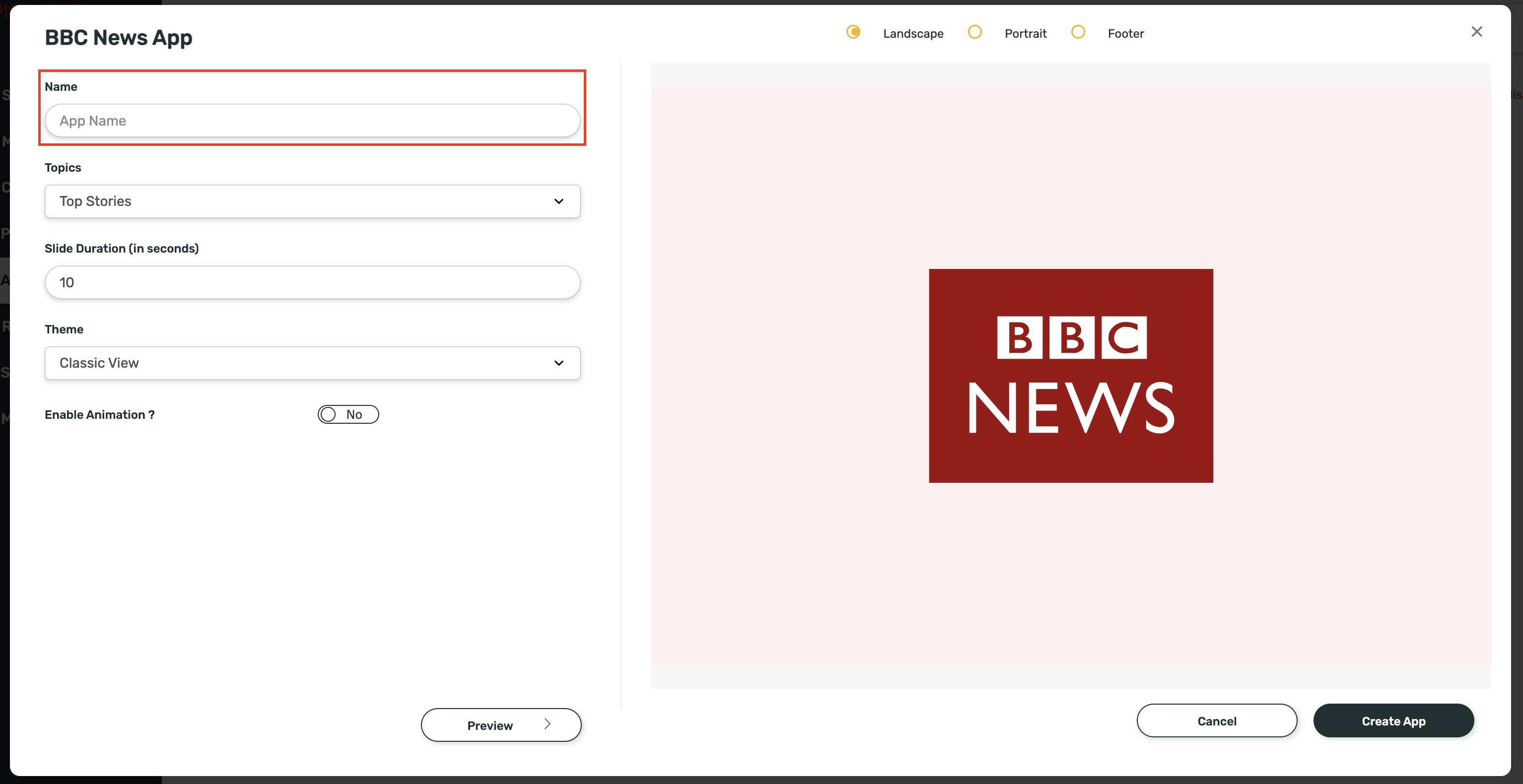
5. Select the news topic of your interest from the list.
5. Select the news topic of your interest from the list.
6. Enter the slide duration.

Slide duration is the duration for which each news headline will be displayed on the screen.
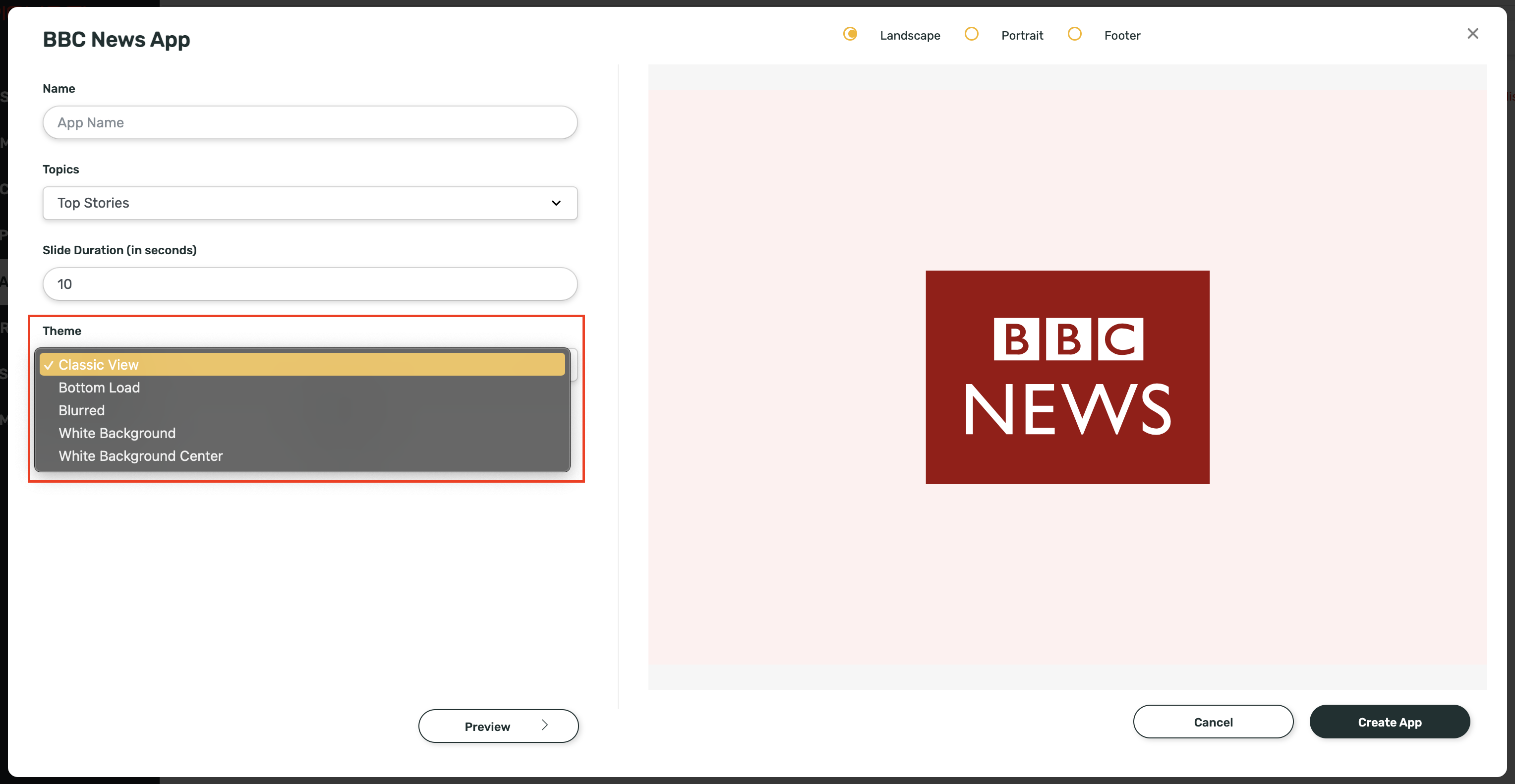
7.You can select a theme from the options given:
8. You can choose to view the Animation or not:
8. You can view the Preview by clicking on "Preview" button to decide on the final theme:
9. Click on the Create App button.
Your app is now ready to use.
Related Articles
How to add the BBC Mundo news app from the Pickcel app store?
1. Go to the 'Apps' module. 2. Search for the BBC Mundo news app using the search field. 3. Hover over the app thumbnail and click on the 'Create App' button. 4. Enter a 'Name' for the app. 5. Select the topic of your interest from the list. 6. ...How to add the App for Slack from the Pickcel App Store?
Pickcel's Slack allows you to show content from your Slack account and a channel where you are a member. 1. Login to your Pickcel account. Click on the Apps module. 2. Search for the app Slack using the Search box and you will find the app "App for ...How to add the CNN news app from the Pickcel app store?
1. Go to the 'Apps' module. 2. Search for the CNN news app using the search field. 3. Hover over the app thumbnail and click on the Create App button. 4. Enter Name for the app. 5. Select the news Topic of your interest from the list. 6. Enter the ...How to add the Times of India (TOI) news app from the Pickcel App Store?
1. Go to the 'App' module. 2. Search for the TOI news app using the search field. 3. Hover over the app thumbnail and click on the 'Create App' button: 4. Enter a name for the app. 5. Select the news topic of your interest from the list. 6. Enter the ...How to add the Samayam news app from the Pickcel App Store?
1. Go to the 'App' module. 2. Search for the Samayam news app using the search field. 3. Hover over the app thumbnail and click on the Create App button. 4. Enter a name for the app. 5. Select the news topic of your interest from the list. 6. Enter ...